
eClinicalWorks integration
An AI receptionist that writes back into eClinicalWorks.
High-volume ambulatory practices where the phone rings all day and the desk is answering the same five questions on repeat.
Writing to eClinicalWorks
Real time, on the call
Writing…
Encrypted in transit, audit-logged
Who runs eClinicalWorks
eClinicalWorks practices tend to run high patient volumes on tight schedules, busy primary care and multi-provider clinics where the waiting room is full and the phone never stops.
The problem
What is actually breaking.
The things practices tell us cost them the most, in the order they raise them.
The same questions, all day
Opening hours, insurance accepted, what to bring, where to park. Simple to answer, and collectively they consume the entire desk.
Refill requests eat scheduling time
Medication requests come down the booking line and take up slots and call-backs that should be appointments.
Peak hour produces a callback list
The morning spike creates a backlog that the team works through instead of working the schedule.
Patients in the room wait while the phone is answered
The desk is serving two queues at once and both suffer.
How it connects
Real time
Written while the patient is still on the line. Every write logged and reversible.
How 2care solves it
One platform, not a point fix.
Inbound answering, outbound outreach, write-back and escalation are the same agent - which is why the whole problem moves rather than one part of it.
Routine questions never reach the desk
Hours, insurance, preparation and directions are resolved on the call, so your team only handles what needs them.
Refills routed, not booked
Medication, dose and pharmacy captured and sent to the right provider queue without consuming an appointment slot.
No backlog to work through
Every caller is answered when they call, so there is no callback list waiting at 10am.
The desk gets the room back
Your team stops splitting attention between the phone and the patient standing in front of them.
At a glance
The eClinicalWorks connection, in the terms a review will ask about.
Clinics on eClinicalWorks usually push high volumes through packed schedules, busy primary care and multi-provider sites where a crowded waiting room sits beside a phone that will not stop.
Scope
What it touches in eClinicalWorks.
Three passes. The last one is what a busy practice actually needs to see before it signs.
- Department
- Live provider and resource availability, checked before a single time is offered.
- Provider template
- Visit types and their durations, so a long appointment is not squeezed into a short slot.
- Visit type
- The patient chart enough to identify a caller and avoid a second record.
- Patient identity
- Coverage already on file, so returning patients are not re-interviewed.
- Coverage on file
- Department routing rules where a practice runs several services on one line.
Straight answers
What eClinicalWorks practices ask before connecting it.
Our staff answer the same five questions all day. Does this stop that?
That is usually the largest immediate saving. Opening hours, insurance accepted, what to bring and where to park are resolved on the call, so the desk only handles what genuinely needs them.
Do refill requests still reach the right person?
Yes. Medication, dose and pharmacy are captured as structured detail and sent to the prescriber queue, without consuming an appointment slot to do it.
Can it cope with our morning peak?
There is no cap on simultaneous calls, so the nine o'clock wall is answered at once instead of forming a queue that feeds tomorrow's.
We are not granting broad write access to eClinicalWorks.
Nor should you. Resource and provider rules come straight from eClinicalWorks, so double booking is not possible. Clinical documentation sits outside the scope entirely.
The difference
What changes on the eClinicalWorks phone.
The usual fixes for call volume are hiring or an answering service. Hiring costs money; an answering service simply pushes the work into tomorrow.
How it runs today
With 2care on eClinicalWorks
The same questions, all day
When you open, which insurers you take, what to bring, where to park
Opening times, cover, what to bring and how to find you are settled on the call, leaving staff only what truly needs them
Refill requests eat scheduling time
Refill enquiries arrive on the scheduling line and swallow slots and return calls that ought to be appointments
The drug, dose and pharmacy are noted and pushed to the correct prescriber queue without eating into a booking
Peak hour produces a callback list
The early rush builds a pile the team clears later rather than tending the diary
Each person gets through the moment they ring, so nothing has stacked up as a return-call list by mid-morning
People at the desk wait while the phone gets picked up
Reception juggles two lines of demand simultaneously and neither is served well
Staff no longer divide themselves between an incoming call and the person right in front of them
Go live
Weeks, not quarters.
Most practices on eClinicalWorks are live inside a few weeks of authorising the connection.
Authorise the connection
Your eClinicalWorks administrator approves API access. Nothing is installed, and nothing changes about how your team uses eClinicalWorks.
Map your rules
We map your providers, locations, appointment types, booking rules and escalation paths - the things that make your schedule yours.
Test, then go live
We run your real scenarios against a test environment with your team watching, fix what surfaces, then switch the line over and monitor.
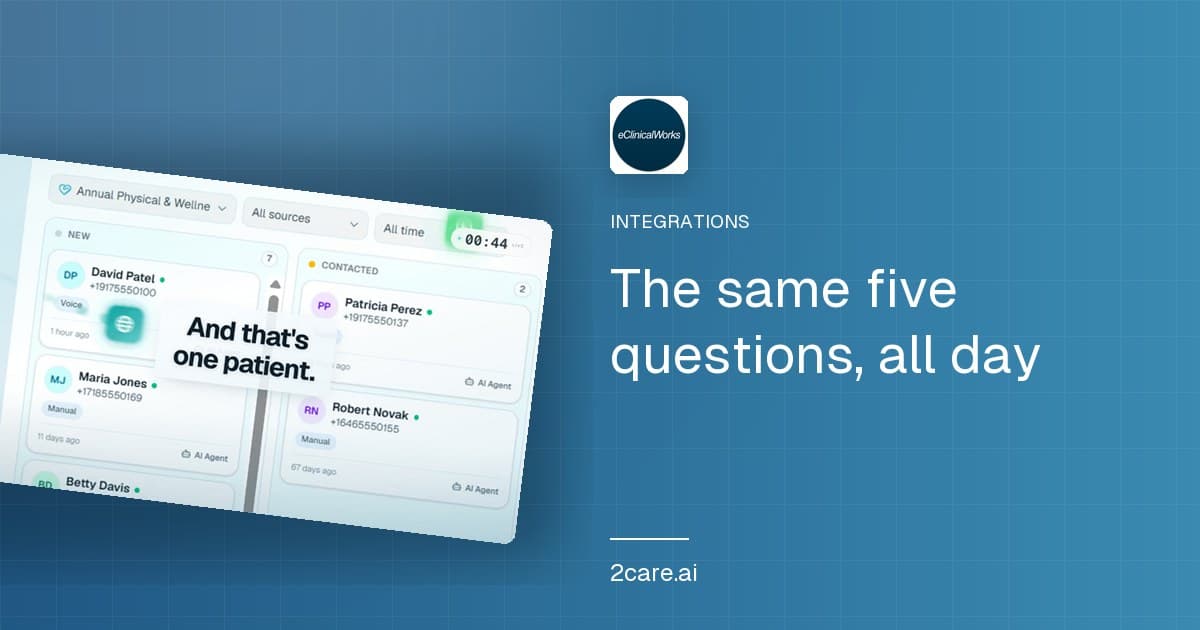
See it work
A call, a booking, and a write-back into eClinicalWorks.
Recorded end to end. The system on screen is not yours, but the flow is the one described above.
Before you connect it
Questions about eClinicalWorks.
Yes. However many land together, all of them are taken at the same time, so the early rush no longer breeds a hold queue and a pile of return calls.
They are recorded and passed as a structured task into the correct prescriber queue, using neither a booking nor a return call to do it.
An AI receptionist for eClinicalWorks is the same thing under a third name. A eClinicalWorks answering service describes covering the phone. A eClinicalWorks integration describes what connects to what. Here they are one product: cover for the line that reads your diary and writes the booking straight into it.
Resource and provider rules come straight from eClinicalWorks, so double booking is not possible, confirmed while the caller is still speaking.
No. Callers are matched against what eClinicalWorks already holds before anything new is created.
Yes, all of them, transcribed and stored against the chart so a high volume day is still reviewable afterwards.
See 2care book into eClinicalWorks.
30 minutes, on your own call flows. No commitment.
- 18 specialties covered
- ·Live in weeks, not months
- ·HIPAA, GDPR and DPDP