
Front desk
What actually reduces no-shows in primary care
What actually reduces no-shows in primary care? Simple fixes that work, plus how 2care helps the office. Book a demo to see it.
Key takeaways
- Patients miss visits for ordinary reasons, such as forgetting or being unable to get through to cancel, so the fix is to make changing a visit easy.
- A reminder that only says see you tomorrow gives patients nothing to act on. One they can answer in one step lets them move the visit.
- Every unanswered call is a patient who could not cancel, so the slot stays booked and then sits empty on the day.
- 2care answers on the first ring, day or night, and moves the appointment in your schedule while the patient is still on the call.
- Go live takes about 2 weeks, and 2care connects with 95+ of the systems practices already use, so your team keeps its current tools.
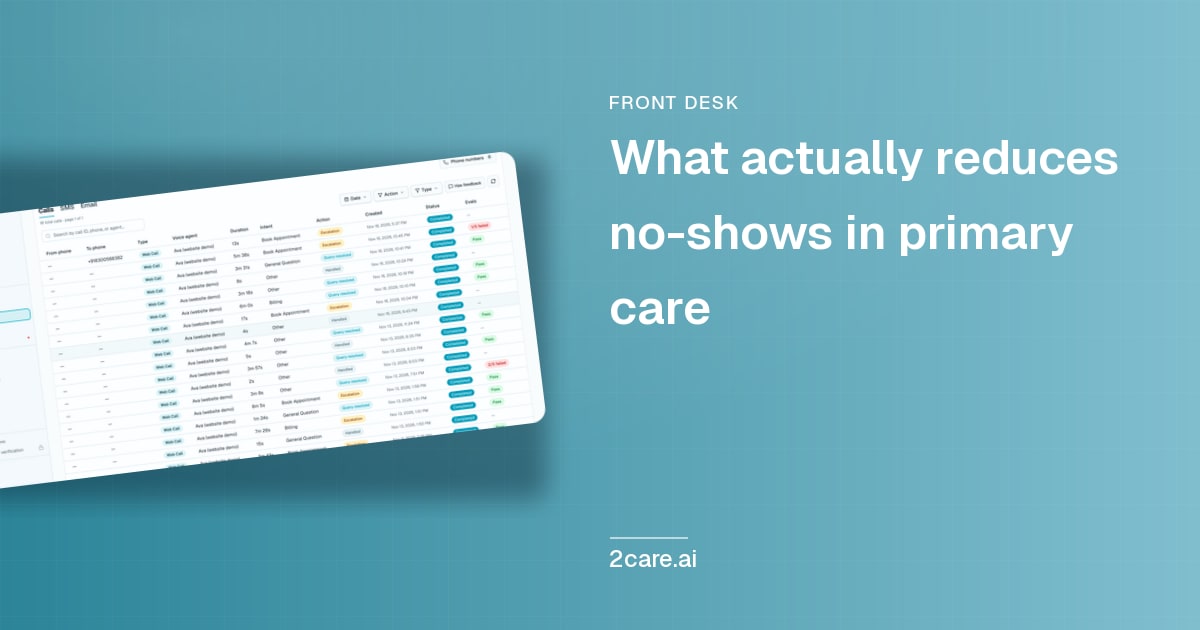
No-shows have ordinary causes. Fix those, and the empty slots on your schedule start to fill.
Two things reduce no-shows in primary care: reminders the patient can answer, and a way to reschedule that takes a minute. Patients forget, or they cannot reach your office to change a visit. An office that answers every call and fixes the schedule on the spot closes both gaps.
It is 9:40 on a Tuesday. Your 9:30 patient has not shown up, and the next patient is waiting in the room. The provider is ready and the slot is gone. Nobody called to cancel, so nobody had the chance to fill it.
If this happens a few times a week, you are in good company. MGMA, which tracks US medical groups, reported an average no-show rate of 6.81% in 2023. That sounds small until you multiply it across a full week of visits.
Maybe you already send reminder texts. They help, but a patient who wants to change a visit still has to reach someone, and your front desk is already busy. A reminder with no easy reply leaves that patient stuck.
This post helps you decide where to put effort first. It covers why patients miss visits, what works, and what changes when every call to your office gets answered.
What does a no-show cost you?
Every no-show leaves a provider ready and a slot empty, and your team still has to find and rebook the patient. The size of the loss depends on your volume and your rate. The table below shows a worked example with assumed numbers, so you can swap in your own.
| No-show rate (assumed) | Visits booked per week (assumed) | Empty slots per week |
|---|---|---|
| 5% | 300 | 15 |
| 8% | 300 | 24 |
| 12% | 300 | 36 |
This is an example with assumed numbers, not a measured result. Multiply your own weekly visits by your own rate to get your figure. Each empty slot also costs your team a call or a text to chase and rebook the patient.
The timing matters as much as the count. A slot released the day before can be offered to another patient. A slot that goes empty at 9:30 on the day cannot.
Check your rate by provider and by day of the week as well. A single practice-wide number can hide where the gaps cluster.
Why do patients miss visits?
Patients miss visits for ordinary reasons. Some forget a visit that was booked weeks ago, and others cannot reach the office to cancel or change it. Each reason has a practical fix, and each fix sits on your side of the phone, not the patient's.
- They forgot. The visit was booked weeks ago.
- Something came up: a sick child, a shift change, a ride that fell through.
- They tried to cancel but could not get through. The line was busy, or the office was closed.
- They did not know how to reschedule, so they let it go.
In three of these four cases, a quick way to cancel or move the visit would have saved the slot. In the fourth, a reminder would have. That is why the fixes below focus on making changes easy, not on reminding patients harder.
What actually works to reduce no-shows?
Four changes address the common causes: reminders the patient can answer, rescheduling that takes a minute, a phone that is always answered, and a few same-week openings. A missed-visit fee is a fifth option with mixed results, so try the other four first.
Reminders the patient can answer
A text a day before and another a few hours before reaches the patient who forgot. The reminder works best when the patient can confirm or change the visit right there, instead of calling a busy office.
Rescheduling that takes a minute
If changing a visit means a phone call and a wait on hold, some patients will skip it. When rescheduling is quick, the old slot opens up and someone else can take it.
A phone that always gets answered
A call that goes to voicemail at lunch or after closing is a cancellation you never received. The slot stays booked, and the patient stays away.
A few openings held for same-week visits
The longer the wait for an appointment, the more time there is for plans to change. Holding a few same-week openings gives sick patients a nearer date and leaves fewer gaps.
Missed-visit fees
Some practices charge a fee. In an MGMA survey, 25% of practices with a fee said no-shows improved, compared with 16% of practices without one. Fees can upset patients, and MGMA notes they are not allowed for Medicaid visits. Try the other four first.
Why is this hard for a busy front desk?
Each fix needs a person to do it every day: send the reminders, answer every call, move the appointment and offer the opening to someone else. Your front desk is also checking patients in and answering the phone at the same time, so the follow-up is the part that slips.
The work also arrives in bursts. A cluster of calls at 8:30 means a cluster of unanswered ones, and each unanswered call is a patient who could not confirm, cancel or reschedule.
Your team is not doing anything wrong. The same four tasks, repeated every day for every patient, are a lot to ask of people who are also checking patients in.
In the 300-visit example above, that is up to 300 reminders to send each week, each with a possible reply to handle, before a single phone call comes in. A front desk cannot be at the counter and on the phone at the same time.
What 2care does about it
2care is an AI front desk and voice agent for healthcare practices. For no-shows, it takes over the parts that slip:
- It answers every call on the first ring, day or night, so patients can always cancel or reschedule.
- It confirms who is calling, checks your live openings and books the new time. The old slot is released so someone else can take it.
- It writes the change straight into your schedule, so your team does not retype anything.
- It sends reminders 24 hours and 2 hours before the visit, by text message.
- It speaks 50+ languages, and can switch languages in the middle of a call.
- If a patient asks a medical question, it hands the call to your nurse or provider within seconds, with a transcript.
The handoff to your staff is worth a closer look. Our post on what a handoff contains walks through it.
What does one reschedule look like?
A reschedule with 2care happens on the call, without staff time. The patient is identified, offered open times from your live schedule and booked into the new slot. The old slot is released at the same moment, so someone else can take it.
Take a patient who calls at 8:50 a.m. and says her car will not start. 2care picks up on the first ring and confirms who she is. It reads out the open times this week, and she picks Thursday at 2:00.
The new time appears in your schedule, and the 9:30 slot is open again, still 40 minutes away and ready to be offered to another patient. Your front desk did not touch the call, and the patient did not wait on hold. The patient never had to wait for the office to open or for a staff member to call back. This is an illustration, not a specific patient.
Is 2care right for your practice?
2care fits best at independent primary care practices where calls go unanswered at busy times and the schedule has gaps. It suits a practice that wants fewer empty slots without hiring more front desk staff and wants to keep the scheduling system it already uses. These signs point to a good fit:
- Calls go to voicemail at lunch or after closing.
- Patients cannot reschedule without calling during office hours.
- Your patients speak more than one language.
- Your front desk spends part of each day on reminder and rebooking calls.
If that sounds like your practice, compare AI receptionists for primary care, then look at your own schedule. The next section shows how to start with numbers you already have.
Frequently asked questions
How do I count a no-show?
Count a no-show in primary care when the patient neither arrives nor cancels in time for you to use the slot. Decide your cutoff, such as 24 hours, and use it every month. A consistent definition matters more than the exact cutoff, because it lets you compare one month with the next.
Does 2care replace my front desk?
No. It answers the calls your team cannot get to and handles routine booking and rescheduling. Anything medical or complicated goes to your staff right away, with a transcript. Your team keeps the patient relationships and the final say on anything clinical.
Which scheduling systems does 2care work with?
2care has 95+ integrations and writes bookings back into your schedule through the system's official API, so the change appears where your team already looks. Ask about your specific system during a demo, and we will confirm how it connects before you commit to anything.
What happens when a patient calls with a medical question?
2care transfers the call to your nurse or provider queue in about 4 seconds, as a warm transfer with the transcript attached, so the patient does not have to repeat themselves. Your clinical team handles everything medical from that point.
Count your missed visits this week
Pull the last 90 days of your schedule. Count the visits marked no-show or late cancel, and divide by the total booked. Then ask your front desk one question: how many patients called to cancel and could not get through? Those two numbers show how much a better phone and reminder setup could reach.
See how 2care would handle your calls and reschedules. Book a short demo and we will walk through it with your own schedule in mind.
More stories
All posts
Get every new post by email
Notes from the front desk, sent as they publish - every Tuesday and Friday. No filler.
I agree to receive the 2Care AI newsletter. Unsubscribe anytime.