
Primary Care
One Number, Multiple Offices: How eClinicalWorks Primary Care Groups Stop Losing Calls
How multi-office primary care groups on eClinicalWorks use one shared number to stop losing calls between locations. See the mechanism.
Key takeaways
- Multi-office primary care groups on eClinicalWorks lose patients when each location runs an independent phone line with its own coverage gaps, hold queues, and after-hours blind spots.
- A single group-wide number routes each caller to whichever office or provider actually has the right slot, instead of whichever office the patient happened to dial.
- 2care.ai's phone assistant books directly into eClinicalWorks, so a call at 7pm produces the same confirmed, chartable slot a front-desk scheduler would create at 10am.
- In MGMA's 2026 Phone and Fax Solutions Survey of 302 practice leaders, 36% said at least 11% of calls go unanswered or to voicemail at peak hours.
- Groups running 2care.ai typically recover the large majority of calls that would otherwise go to voicemail, with no caller placed on hold.
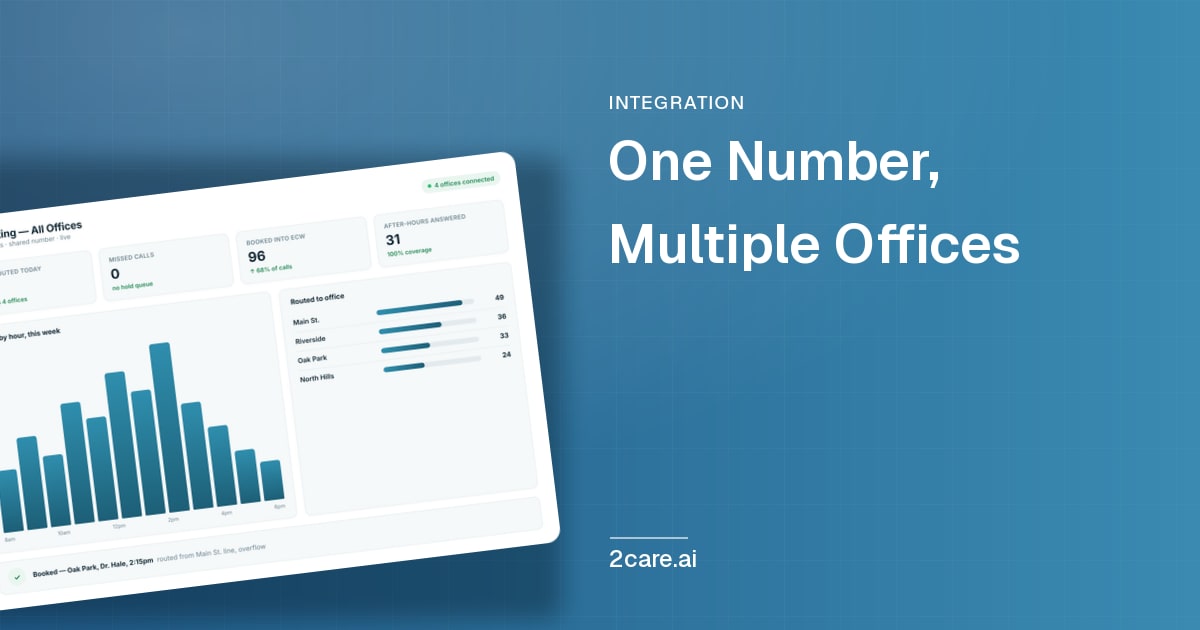
A multi-office primary care group loses patients when each location runs its own phone line with its own coverage gaps. A single group-wide number, answered by an assistant that checks real-time availability and books straight into eClinicalWorks, lets a patient reach any office at any hour and land in the same record a front-desk team would create by hand.
Multi-office primary care groups did not choose to run five separate phone systems. It happened one acquisition, one new location, and one legacy phone line at a time, until the group had a shared EHR and nothing else shared. Front desks at each site answer their own line, work their own hold queue, and have no visibility into whether the office down the road is slower that afternoon. A patient who cannot get through at Office A rarely calls Office B. They call a competitor, or they wait and show up at urgent care instead.
eClinicalWorks already gives a multi-location group one shared patient record and one shared scheduling backbone. The phone is the one piece of the operation that still runs office by office, and it is usually the first place a patient's experience of "one group" falls apart. This post covers what actually changes when a group routes every call through a single number tied into eClinicalWorks, where that approach fits and where it does not, and what a front desk team does differently once it is live.
The problem is coordination, not staffing
Adding a scheduler at the busiest office does not fix a multi-office group's phone problem, because the busiest office is rarely the one a given patient called. A group with four locations and four separate lines has, in effect, four separate single points of failure. If the front desk at one office is short-staffed, out to lunch, or mid-call with a difficult patient, every caller to that line gets the same hold queue or voicemail regardless of what capacity sits open three miles away.
MGMA's 2026 Phone and Fax Solutions Survey of 302 practice leaders found that 36% of respondents said at least 11% of their calls go unanswered or reach voicemail during peak hours, and that volume is heaviest at exactly the hours a small front desk team is already stretched. Multiply that across four or five offices running independently, and the group's total missed-call volume is not additive, it compounds, because none of those offices can absorb another's overflow.
What a shared number actually changes
A single number does not mean a single office. It means the call is no longer bound to the location the patient happened to dial or find on a map search. The assistant answering the call has visibility into every office's real schedule, not a static phone tree that routes by zip code or guesses at which office "usually" has openings.
For the patient, the difference is simple: they call once, reach someone immediately regardless of the hour, and get booked into the office and provider that actually has the opening, including an office they did not know to ask for. For the group, the difference is operational: call volume stops being trapped behind whichever single front desk happened to answer the phone that patient chose, and starts being served by whichever capacity actually exists across the group at that moment.
How the routing decision gets made
The routing is not a guess. The assistant checks the caller's existing eClinicalWorks record first, so a returning patient is matched to their established provider and location history rather than treated as a cold call. From there it checks real-time open slots across the group's locations and providers, weighted toward continuity of care, not just the first open slot anywhere.
A new patient with no prior history gets routed by stated preference (nearest office, soonest availability, a specific provider if named) rather than funnelled to whichever office happens to be live-staffed that hour. None of this requires the patient to know the group's internal structure, which office serves which neighbourhood, or which provider is accepting new patients this month. That knowledge lives in the system, not in the caller's head.
What happens inside eClinicalWorks when the call ends
| Step | What happens | Where it lands in eClinicalWorks |
|---|---|---|
| Patient dials the shared number | Assistant answers immediately, no hold queue | N/A, pre-chart |
| Caller identified | Phone number or verbal details matched against an existing record | Existing patient chart is pulled, not created blind |
| Right office and provider determined | Matched against history, stated preference, and live availability, not a fixed phone tree | Correct provider's open slots checked in real time |
| Appointment booked | Written directly into the provider's calendar during the call | Appears as a normal booked slot, visit type and reason included |
| Confirmation sent | Text or voice confirmation before the call ends | Confirmation status logged against the booking |
| Ambiguous or urgent call | Escalated to a live staff member or on-call line rather than guessed at | Flagged in the dashboard for staff follow-up, not silently dropped |
The front desk at each office sees the booking the same way they would see one they created themselves: same calendar, same visit type fields, same patient chart. Nothing about the appointment signals that it came in after hours or from a shared line rather than a direct call to that office.
The after-hours and overflow case
After-hours coverage is where the single-number model earns the most of its keep, because after-hours is exactly when a multi-office group's independent phone lines all fail the same way at once: no staff at any location, and every caller routed to the same voicemail greeting regardless of which office they dialed. A shared, always-on number removes the after-hours gap entirely rather than shifting it between locations depending on whose turn it is to carry an answering service pager.
During business hours, the same mechanism handles overflow between offices. A patient calling Office A during its lunch rush does not need Office A specifically; they need an appointment. If Office B down the street has a 2:15 opening today, the assistant can offer it directly, something no office-specific phone tree is built to do.
What changes for the front desk team
Front desk staff stop being the single point of failure for their own office's call volume, because the calls that would have piled up in their queue are already answered and, in most cases, already booked before a human needs to touch them. What reaches a staff member is what actually needs a person: a complex scheduling exception, an upset caller, a clinical question outside the booking flow. The escalation path above exists for exactly that, so nothing ambiguous gets auto-resolved into the wrong outcome.
For a group's practice manager, the more durable change is visibility. Instead of five offices each reporting their own anecdotal sense of "the phones are bad right now," there is one place showing call volume, missed-call rate, and booking outcomes across every location, which makes staffing and coverage decisions a matter of looking at numbers rather than guessing from each office's complaints.
The 2care.ai case for eClinicalWorks groups specifically
2care.ai is live in production on eClinicalWorks today, not on a roadmap, with the booking written directly into the patient's existing record rather than held in a separate system a staff member has to reconcile later. For a single-location practice that matters for after-hours coverage. For a multi-office group, it matters more, because the same assistant holds visibility across every location's calendar at once, which a per-office phone tree structurally cannot do. For the FHIR and write-back mechanics behind that integration, see our eClinicalWorks AI receptionist overview.
Groups running 2care.ai typically recover the large majority of calls that would otherwise go to voicemail, with callers never placed on hold, and most groups see the platform pay for itself within roughly three booked appointments and well under a two-month payback window. Across the platform as a whole, 2care.ai has handled over 285,000 patient interactions and helped practices recover more than $1 million in revenue that missed calls would otherwise have cost them. None of that is a guarantee for a specific group's call volume or payer mix; it is the pattern across groups already live.
Where this is the right fit
This approach is built for primary care groups already live on eClinicalWorks across three or more locations, where call volume is high enough that no single office can absorb another's overflow by itself, and where the group already shares scheduling and billing infrastructure but still routes patients by whichever number they happened to dial. It is a strong fit where staffing is uneven across sites, where after-hours coverage today means an answering service or a rotating on-call pager, and where leadership wants one view of call performance across the group rather than five disconnected ones.
It is a poorer starting point for a group still mid-migration onto eClinicalWorks, since the routing and booking depend on a stable, current patient record across every site. A single-location practice with one provider and one phone line will not see the cross-office benefit that drives most of the case above, though the after-hours and overflow mechanics still apply within that one location. For the single-location case specifically, our primary care AI receptionist page covers that in more depth.
Frequently asked questions
Does a shared number replace each office's existing listed number? No. Existing office numbers can keep ringing through to the same shared assistant, or forward to it after a set number of rings. Patients searching for a specific office's number still reach the group; they just reach the same coordinated routing rather than that office's own queue.
What happens if a patient asks for a provider who is out that day? The assistant checks the provider's actual schedule rather than assuming availability, and offers the next real option with that provider or, if the patient prefers, another provider at the same or a different office the same day.
Does this verify insurance eligibility or handle prior authorizations during the call? It captures insurance details given on the call and logs them against the booking, but it does not verify eligibility live or submit or track prior authorizations. That stays a back-office task today, handled the same way the group handles it now.
Can one shared number route across offices that use separate eClinicalWorks instances? Yes, provided each office's instance is connected individually; the assistant checks availability and books into whichever instance holds that patient's and that office's records, rather than requiring a single merged database first.
How long does a multi-office group take to go live? Timelines depend on how many locations and providers need to be mapped into the routing logic, but groups typically go from signed agreement to a working shared number within a few weeks, starting with the highest-volume locations first.
A practical next step
Before changing anything, spend a week having each office log two things: how many calls came in that went unanswered or to voicemail, and how many callers asked, directly or indirectly, whether another office of the group could see them sooner. Most groups have never measured the second number, and it is usually the one that makes the coordination problem visible, whether or not a shared phone system is the eventual fix.
See it on your own group's calendar
If your group is live on eClinicalWorks across multiple offices, you can see the routing and booking flow on a live call rather than a slide. Book a short walkthrough and bring your real office count and a sense of where after-hours coverage breaks down today.
More stories
All posts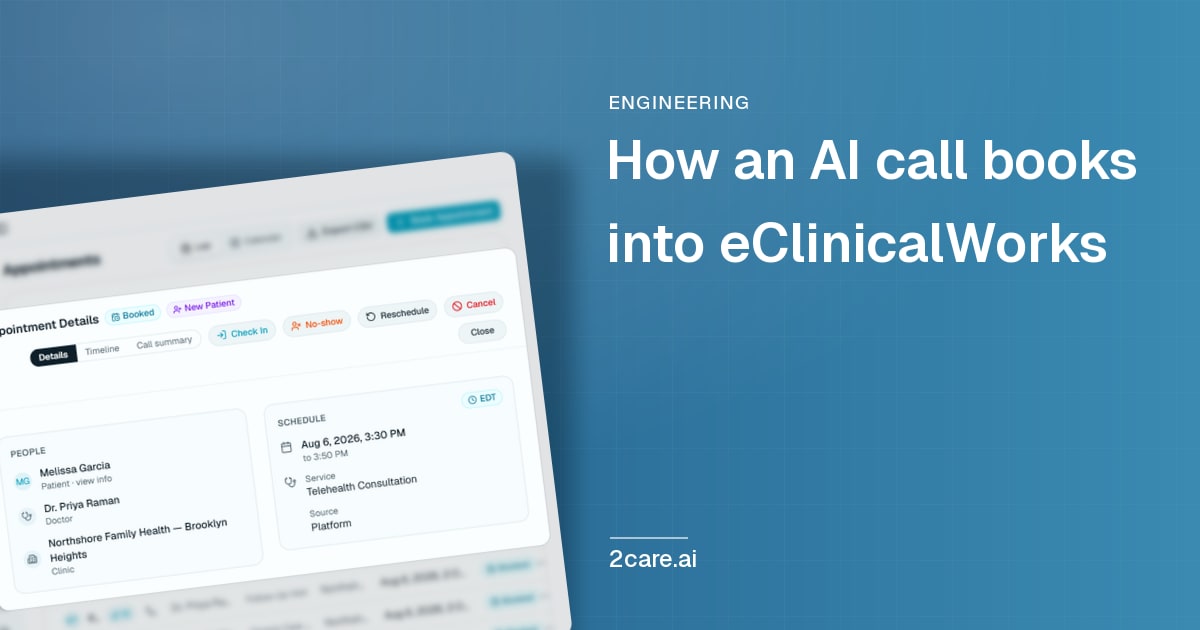
Get every new post by email
Notes from the front desk, sent as they publish - every Tuesday and Friday. No filler.
I agree to receive the 2Care AI newsletter. Unsubscribe anytime.